
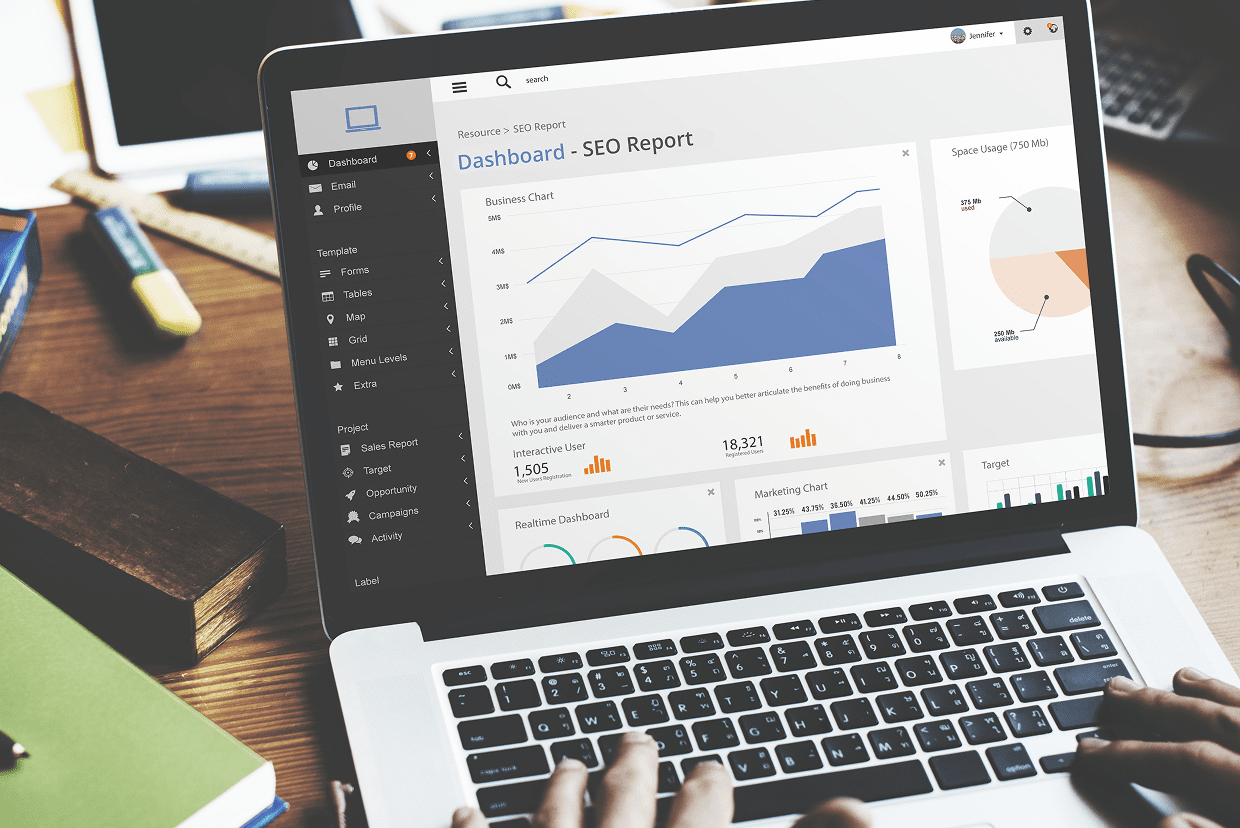
SEO reporting dashboards are one of those things everyone agrees are necessary, but most teams either overbuild or underuse. A tool gets set up. A few templates get connected. Some charts are added. Then it slowly turns into something that looks impressive but isn’t actually used to make decisions.
Meanwhile, the real questions stay unanswered: Is organic traffic improving? Which pages are actually driving results? What changed after the last update?
Most dashboard issues are about clarity and purpose. Across SEO teams, agencies, and in-house setups, the same problems show up: too many metrics, not enough context, and very little connection to business outcomes.
This is where better dashboard practices make a real difference. In this article, see the best practices for SEO reporting dashes used by top agencies.
Start With Meaningful Metrics
Most dashboards fail by trying to include everything. Traffic, impressions, clicks, rankings, bounce rate, and conversions can quickly overload the view.
But useful dashboards start with a few core questions:
- Is organic traffic growing or declining?
- Which pages are driving meaningful outcomes?
- Are we moving closer to business goals?
According to Google, if a metric doesn’t help answer a decision, it probably doesn’t belong on the main dashboard.
Rankings Alone Don’t Tell the Full Story
Ranking changes still get too much attention on their own.
A keyword moving from position 9 to 4 looks good, but it doesn’t matter much if it doesn’t lead to clicks or conversions.
Modern SEO reporting connects rankings with outcomes like:
- Click-through rate (CTR)
- Engagement metrics
- Conversions and revenue
- Search intent alignment
Google Search Central explains how search results are ranked and interpreted. Rankings are a signal, not the goal.
Traffic Needs Context to Be Useful
“Organic traffic is up” sounds positive until you look closer. Sometimes growth comes from irrelevant queries or low-intent pages.
A proper dashboard breaks traffic into meaningful segments:
- Branded vs non-branded searches
- Landing page performance
- Device and geography
- Intent categories
Without context, traffic trends can be misleading.
Google also emphasizes segmentation and analysis in Search Console reporting.
Page-Level Data Reveals Real Opportunities
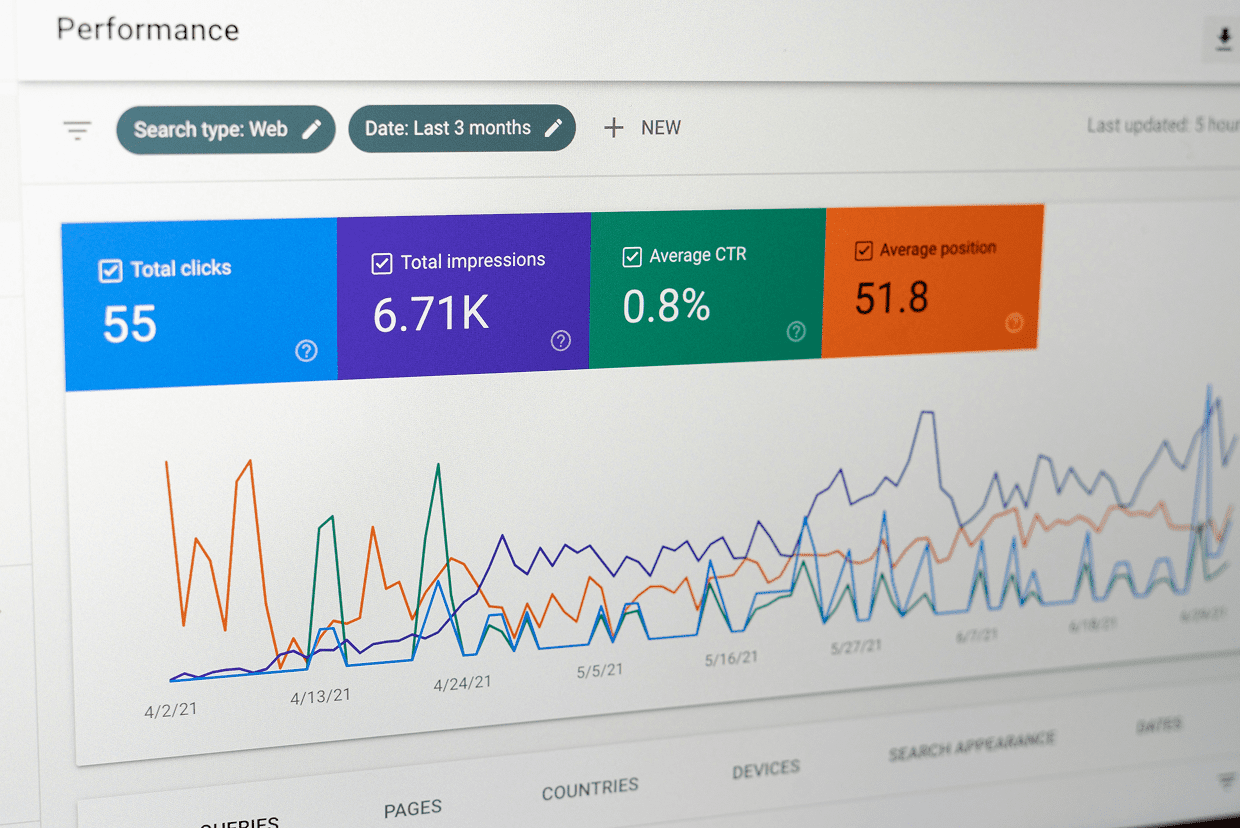
Sitewide averages hide what’s actually happening, while page-level reporting is where real insights come from.
A strong dashboard highlights:
- Pages gaining or losing traffic
- High impressions but low CTR pages
- Content that ranks but doesn’t convert
- Pages aligned (or misaligned) with intent
This is where optimization decisions usually start.
Conversion Tracking Is Non-Negotiable
SEO doesn’t stop at traffic.
If visitors don’t convert, performance is incomplete.
Dashboards should connect organic performance to:
- Leads
- Sales
- Sign-ups
- Revenue impact
Without this layer, SEO becomes visibility reporting instead of business reporting.
For best practices on measuring conversions, see Google Analytics conversion tracking guidance.
Keep the Dashboard Usable, Not Just Detailed
A dashboard that no one checks isn’t useful, no matter how advanced it is.
Good dashboards are simple enough to scan quickly. They’re structured around decisions, not data dumps, and should be consistent in time comparisons. Finally, they should be focused on clarity over complexity. If it takes too long to understand what changed, it’s already too complex.
Segment Data That Actually Changes Decisions

Blended data hides insights.
Useful segmentation includes:
- Brand vs non-brand traffic
- Content types (blogs, landing pages, product pages)
- Device and location
- New vs existing content
Segmentation turns reporting into analysis instead of summary.
Dashboards Should Evolve With Strategy
SEO priorities change. Dashboards should too. What mattered six months ago may not matter today.
As strategies shift, dashboards should reflect:
- New KPIs
- Updated campaigns
- Product or service changes
- Seasonal patterns
Static dashboards quickly become outdated dashboards.
Building SEO Dashboards That Drive Decisions

The goal of an SEO dashboard isn’t to show data, it’s to support decisions.
The best dashboards help answer:
- What changed?
- Why did it change?
- What should we do next?
If it doesn’t support those questions, it’s just reporting noise.
Explore our list of vetted SEO services companies that understand best practices for SEO reporting dashboards and how to connect data, strategy, and performance into actionable insights. Compare providers based on experience, methodology, and fit to find the right partner for your goals.